Best Free Painting Software 2019

Best Free Painting Software 2019

Best Free Painting Software 2019

Drawing and painting software has become one of the trends and interests among pc & mobile users not just for artists and designers like before. Digital painting may not be the same as the actual painting using brushes, paints and pallets, but it offers many advantages over the old brush, paint & palette techniques. The results are easier to manage, we don’t need big store room or garage to keep our masterpiece and it can even be applied in many other fields such as printing, advertising, film & animation, etc. That is among the advantage of artworks created with painting software. Therefore we’d like to share 9 of what we think would be the best free painting software as end of 2018.


In fact, the vast of mobile apps industry has spurred its growth as well as the interests of users to sharpen their creative talent through painting apps as a hobby or perhaps as their new career as digital artist. Newbies usually start with few free painting software to try on. Once they get use to it they share their artworks on social media, groups, and some have begun learning to take advantage of it as an alternative income with it. Now everyone can become an artist.

Let see what we may consider as the best free painting software 2019 that we can list down below. Here are the best free painting software for the new coming year 2019, if you would like to create your first masterpiece with it and hey maybe you can start selling it.


1. Krita
Krita is an open source digital painting tool developed for over 10 years by artists to make it affordable for artists, illustrators, and the VFX industry. Krita’s history actually started since last 20 years from KDE project, it was develop as an application that was part of the KOffice (an open-source of Office Suite) named KImage. It was then go through further developed and named KImageShop, Krayon and since 2002 known as Krita.

It offers many common and innovative features to help the amateur and professional in digital arts industry. The intuitive user interface is among the best we can see, with its pop-up pallete tool makes good experience on it and the Brush Stabilizers helps your shaky hands to draw smooth lines. Not to forget, Resources Manager such as brush & texture packs you can share with or import from other Krita’s community.

  • Desktop:     |     |  

Krita

.


2. MediBang Paint

MediBang Paint is a Japanese painting software developed since 2014. MediBang was being among the favorite of manga artist due to it’s simplicity and the fact that it resembles the legendary PaintTool SAI. MediBang is not open source but it’s still free (compared to SAI).. yeay..!!  Besides desktop versions – Win & Mac, it also provide mobile versions – iPhone, iPad & Android as well.

  • Desktop:     |     |     |   Mobile:     |  

Medibang Paint

.


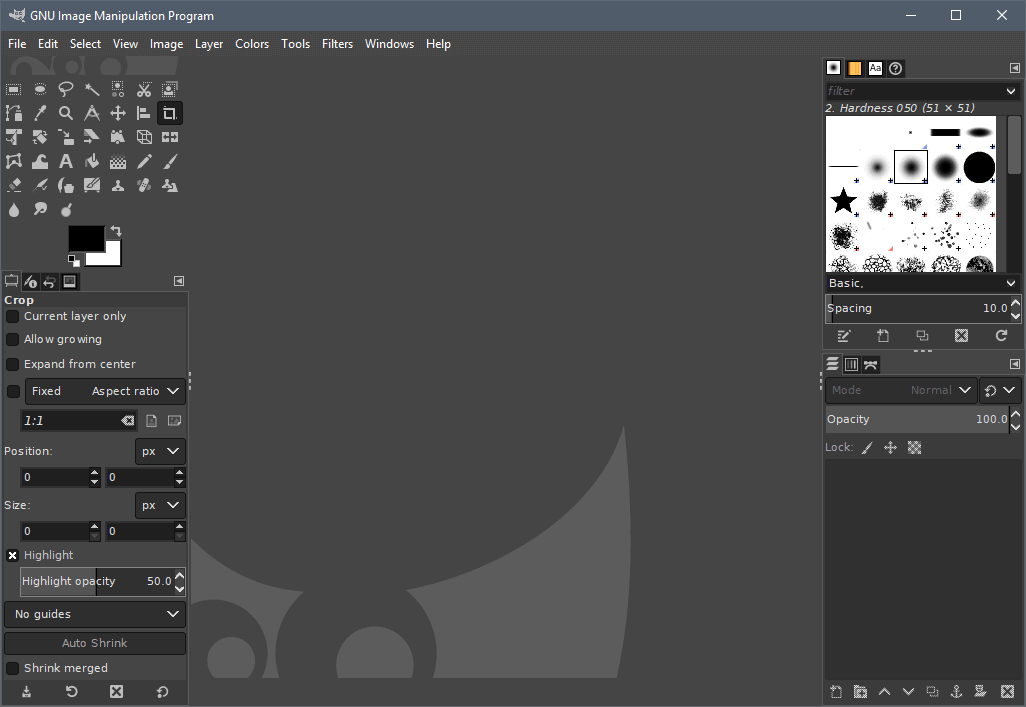
3. GIMP

GIMP (GNU Image Manipulation Program) is an open source image editor, available for GNU/Linux, OS X, Windows and more operating systems. Most probably the famous free image editor alternative, GIMP is actually a photo editor that provides the free to use tools needed for high quality image manipulation just like Adobe Photoshop can do. But you can for sure use it as another choice of free painting software as well. With lot of tools for retouching, restoring, drawing & painting to creative composites for your works. It is an almost perfect for Photoshop alternative for free photo editor and painting as well.

  • Desktop:     |     |  

GIMP

.


4. InkScape

Inkscape is an another open source software just like GIMP, but it is a vector graphic editor like Adobe Illustrator. It is always been listed as Adobe Illustrator and also CorelDRAW alternative for free version. As a vector based graphic tool, Inkscape is more on detail & technical drawing but it doesn’t limits the capability to offers digital painting as well. What make Inkscape special is, it has many authors that contribute to the development as an open-source vector graphic editor, and every author retains their own copyright.

  • Desktop:     |     |     |   Mobile:  

InkScape

.

Related Post: 15 Sites Where To Sell Your Vector Arts


5. Artweaver Free
Artweaver is a free full-featured painting tool with a huge set of predefined realistic brushes to paint creatively or just experiment. This Germany based software, is for beginners and advanced users with a powerful and highly configurable brush system to simulate many different brushes. Each brush configuration can be saved as a new variant or even into a new category. One of the nice feature that it offers is the ability to records the whole painting process as events and allows you to save and later to replay them. Demonstrate other users your painting style or just show the progress from an empty image to a finished artwork. Great, you don’t need any third party tool for screen recording, do you..?

  • Desktop:  

Artweaver Free

.


6.  PhotoDonut

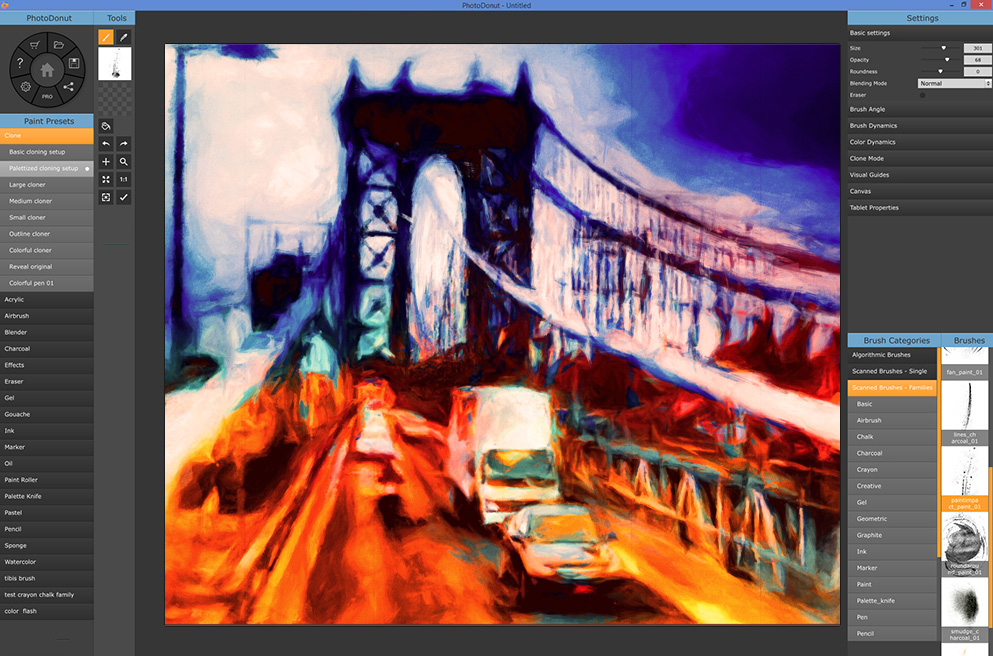
PhotoDonut is a brand new photo editing app by Xycod, a company based in Hungary. PhotoDonut is actually the new and improved version of PostworkShop editing software. PhotoDonut offers drawings & paintings for artist, photo effects & illustrations for photographer & designer as well. Besides offered as free software, there’re also paid versions which offers extra features from the free version. You can find out here the Premium and Pro versions.

  • Desktop 64 bit only:     |  

PhotoDonut

.


7.  Speedy Painter

Speedy Painter is a free lightweight OpenGL based painting software for Windows. It support perspective grid tool for building interior or exterior scene painting, multi angle mirror flip, many more.

  • Desktop:  

Speedy Painter

.


8.  Graphiter

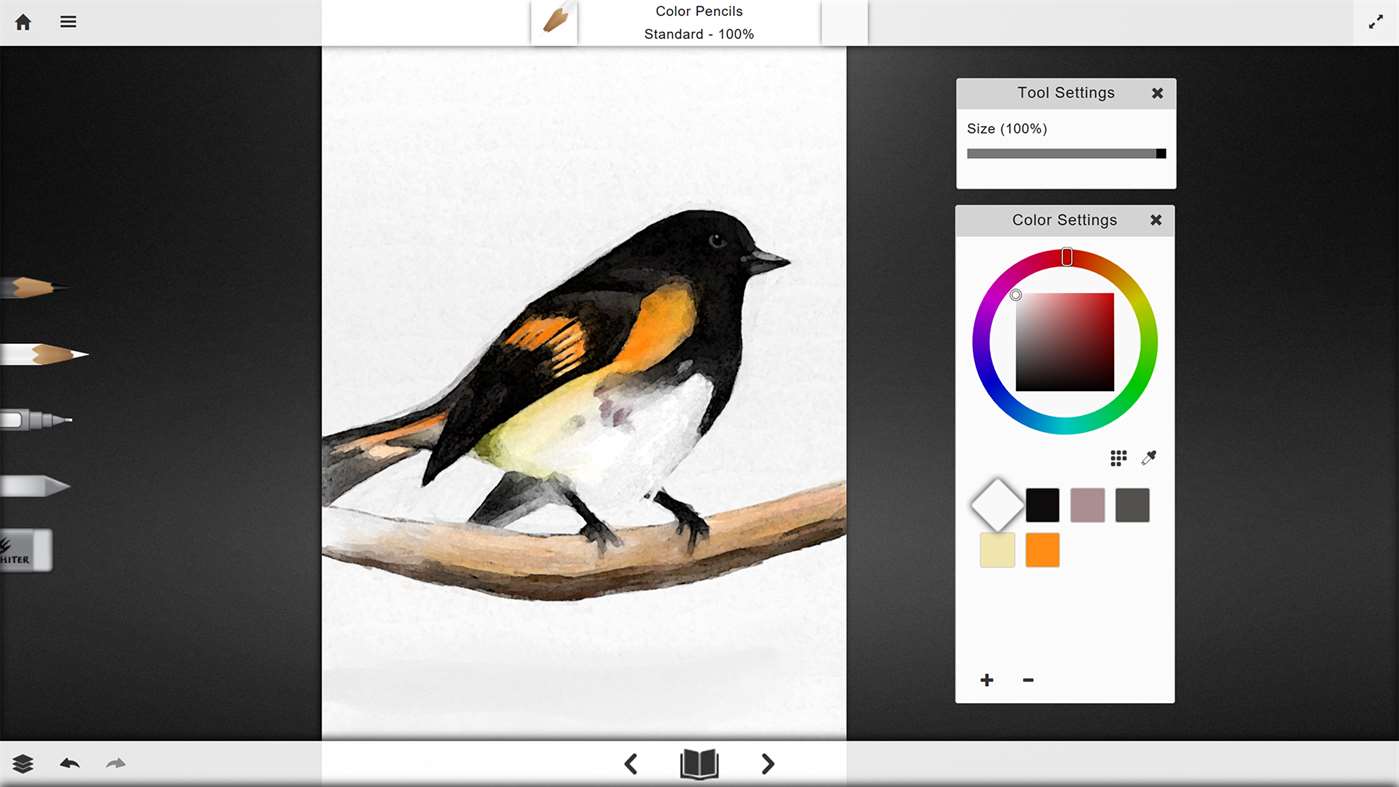
Graphiter is a graphite or simply pencil sketches painting you can consider as an alternative for digital painting tools.

  • Desktop & Mobile:  

Graphiter

.


9.  Autodesk SketchBook

I remember the first time I bought Galaxy Note 3, it has pre installed SketchBook for Galaxy, then I find out that the app is specifically for Samsung Galaxy Note users as one of the free painting software, and the app has 2 version the free one name SketchBook and paid version SketchBook Pro. Of course the free version is limited compared to Pro version. Now Autodesk SketchBook is FREE for all.. yeay..!! But you need to register for Autodesk ID, which is also free.

The advantage of SketchBook are many, it’s not just for art creations, it also good for technical drawing and best of all you can pair it to work with other Autodesk apps you may have. Actually if you’re serious with this great app, you can get the paid (extra) version, the SketchBook for Enterprise with yearly price, find out in their website.

SketchBook is perfect for artist and designers of any field, therefore it is our choice here ★★★★★

  • Desktop:     |   Mobile:     |     |  

SketchBook

.

Ok thats are the Best Free Painting Software 2019 according to us, so far. We will add on and update any recommendation by your comment below. So please feel free to share your opinion with us. Meanwhile here are some bonus for free animation software.. we will cover on this topic on our next post, insyaallah..


Free 2D Animations Software

1. OpenToonz

OpenToonz is a 2D cartoon animation software that you can use to develop cartoon animation the professional way.

  • Desktop :     |  

OpenToonz

.


2. Synfig

Synfig is an open-source 2D animation software for Windows, Linux and OSX. Claimed to be as powerful industrial-strength solution for creating film-quality animation using a vector and bitmap artwork. It eliminates the need to create animation frame-by frame, allowing you to produce 2D animation of a higher quality with fewer people and resources.

  • Desktop :     |     |  

Synfig

.


Polarr Free Online Photo Editor Pro

15 Best Free Online Photo Editor

Best free online photo editor or you can also say best free online graphic editor, but they’re actually slightly different, is a handy graphic app available online. Being bookmarked by many users for any photo or graphic editing purpose and in fact their mobile apps version, as must have apps, have been downloaded millions of time in Play Store, App Store & Windows Store as well. Remember here we’re talking about the free online version, for desktop pc for sure. There are many free online graphic editor available to be choose out there, but which one is the best suits for your need? Please bear in mind, most of them require Flash enable browser, so make sure you enable your Flash in your browser.

Don’t be tangled with lots of options available out there, variety always benefits us as consumers, don’t you think so? Check these list of free online photo editor that may suits your regular needs. Whether you’re looking for just a photo editing function or the one with extra functions with text editing as well. Let us be clear first, the different between these two name.

Photo Editor vs Graphic Editor

  • Free Online Photo Editor – Basically it’s a free web based app for photo editing purpose – to lighter or darker, resize & crop, transform flip & rotate and to apply some effect ability. Extra functions added consider as bonus. If you just need to edit these kind of functions, Photo Editor is suffice for you. But if you need to do much more such as poster with text info, some decorative elements, etc, then go for next category ↓.
  • Free Online Graphic Editor – Sometimes it also called Free Online Design Editor (it’s the same). It may have the basic of Photo Editor functions (but usually not as many as Photo Editor itself), plus adding Text with some free Fonts, vector element such as Shapes (sometimes called stickers), editable Templates or ready made graphic elements – combination of fancy text + border style, florals or other decorations, etc.

We’re not discuss about Graphic Editor, but we’re talking only about Free Online Photo Editor below, with no registration needed to use and to save artwork as the priority.

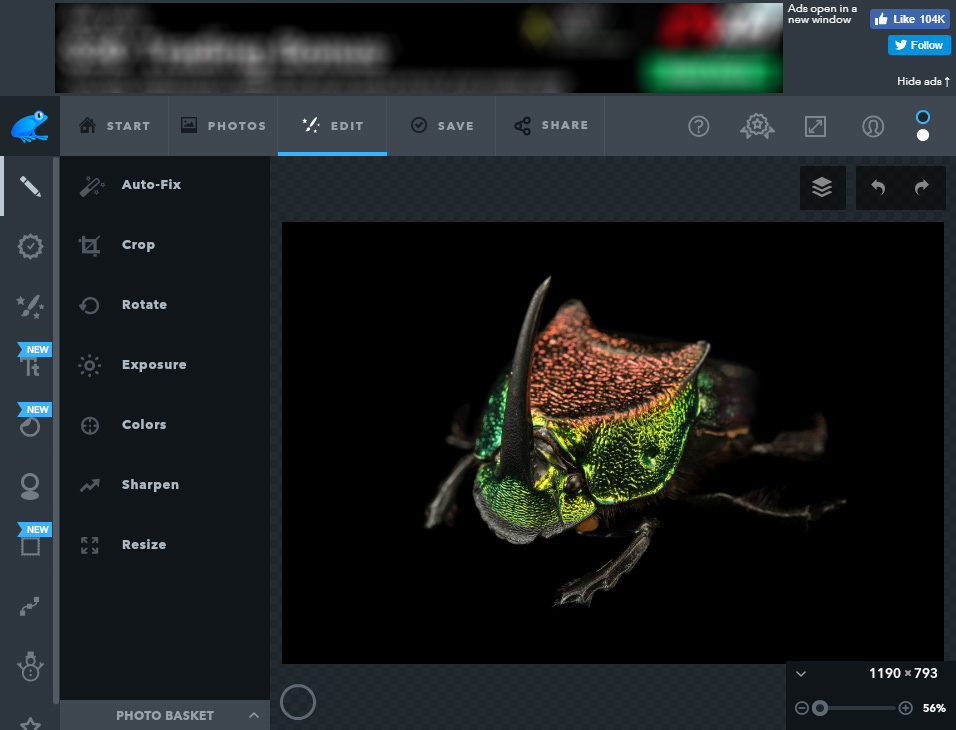
1.  Pixlr

Pixlr Best Free Online Photo Editor

Pixlr has been named one of the best free online photo editor, editors choice app, no.1 free photo editor and many more by many tech and apps related blogs. Most users well known of this free photo editing apps either the online version or mobile app version. Pixlr has the ability of standard paid photo editing software such as Photoshop. Even the user interface (UI) especially the tools, the top menu and the right tool panels seems similar to Photoshop. These similarities make it a good reason that most users feel comfortable to works with it and make it the most popular free photo editing app.

As optional, Pixlr recently provide a new paid version named Pixlr Pro that claimed to be the most advanced web based image editor. Surely will be feature rich tools, freebies, many image format supported including PSD, thousands of free templates, premium royalty stock images, fonts, etc. You can try Pixlr Pro as cheap as $5 per month.

  • Registration / Login : Not needed
  • Text / Fonts availability : Yes
  • Pro : ✔️ Similar to Photoshop interface (Photoshop user’s friendly).
  • Con : ❌ The Ads banner at the right side takes up almost 1⁄4 of the screen.

View it

2. Instories   AI-Powered Photo Editor & Story Maker

Instories is a free online photo&video editor and content creation tool that combines powerful AI features with beautiful, ready-to-use templates for social media. Designed for creators, influencers, and small businesses, Instories helps you turn ordinary images into professional-looking stories and posts in minutes.

Pros ✔️

  • Easy-to-use interface, perfect for quick photo touch-ups.
  • Wide variety of modern filters and customizable templates.
  • Great all-in-one solution for editing photos and creating social media content.

Cons ❌ (Free Version)

  • Some advanced templates and AI tools require a premium plan.
  • Free version includes watermarks on certain exports.

View it

3.  Ribbet

Ribbet Free Online Photo Editor

Ribbet is among the best free online photo editor or we can say free online design editor or free online graphic editor, because it offers not just photo editing, but many basics graphic design tools as well. The quick version doesn’t need you to register or login, but if you choose to register & login you will be provide with up to 5 images upload. Once you start Ribbet, you ‘ll see image loading options; upload from your pc, connect to facebook (facebook photos), connect to Google Photos, connect to Flickr & connect to webcam. These features make it easier for users on mobile as well to access their photos on facebook, for Google Photos cloud users or photographer who use Flickr and webcam as a plus.

  • Registration / Login : Not necessary
  • Text / Fonts availability : Yes & it support System Fonts (from your pc), it also provide fonts info and its website sources of the font used.
  • Pro : ✔️ A comprehensive & feature-rich Free Online Graphic Editor that you can think as Photoshop alternative. Support webcam as well.
  • Con : ❌ Some Premium features are seems locked in the editor (it push you to upgrade).

View it

4.  Canva

1. Canva Photo Editor

Canva Best Free Online Photo Editor

Canva have some separate apps, Photo Editor, Custom Graph, Design for Print. The free online photo editor version without register & login needed – Canva Photo Editor, is a basic free photo editor that provides basics photo adjustment such as crop, transform, brightness & contrast, saturation and some ready made Filters.

  • Registration / Login : No need, you can use it freely
  • Text / Fonts availability : No
  • Pro : ✔️ No Ads..!! (only their own ads to promote paid version) No register & login needed
  • Con : ❌ Too basic, besides ready made Filters

2. Canva Design Editor

Canva Free Online Graphic Editor

There is also Canva Design Editor or Graphic Editor with feature rich for image editing, text and many more with ready made templates for design creations. This Canva version you need to register & login as user to use it online freely. Just choose your design purpose with available template sizes and you can start your editing works.

  • Registration / Login : Yes
  • Text / Fonts availability : Yes
  • Pro : ✔️ No Ads..!! Multi Pages support. Saving to JPEG, PNG (transparent bckgrd), PDF (with high quality)
  • Con : ❌ Must register & login to use

View it


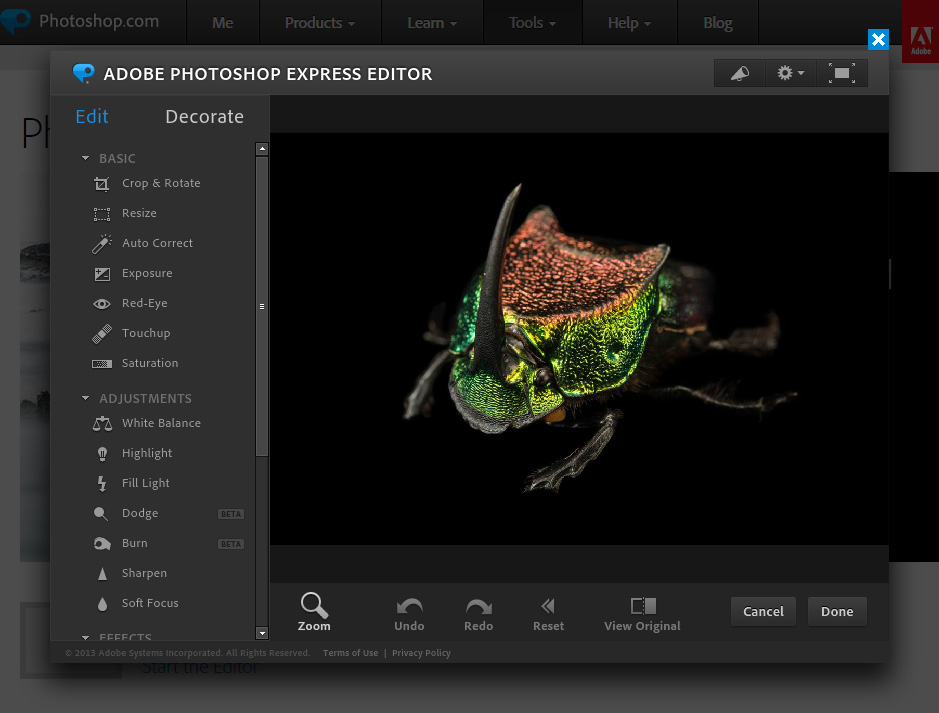
5.  Adobe Photoshop Express Editor

Photoshop Express Free Online Photo Editor

Adobe Photoshop Express Editor is the free online version that has the ability of basic image editing features. However this Photoshop Express Editor is limited to only support JPG, JPEG & JPE formats, limited functions, even the free font only has 9 list. Though we think its worth to be listed here as one of the popular free online image editor.

  • Registration / Login : No need
  • Text, Fonts availability : Yes, limited fonts
  • Alignment Guide : No
  • Pro : ✔️ Its Photoshop !!
  • Con : ❌ Only JPEG !! Limited upload source. Limited functions compared to full Photoshop version.

View it

Related post : Free Stock Photo Sites For Designers

6.  Crello

Crello Best Free Online Graphic Editor

Crello provides design creations for many purpose which include graphic designs for advertising, social media posts & cover arts, you name it, it covers it, almost. Crello integrate all in one features to provide state of the art free online graphic editor for any purpose. It have many ready made graphic design templates, graphic element templates, text style templates to choose from, and you can also customise it as single element. Crello image can be upload from your pc or you can choose from their free image library, there are many and impressive design for your inspiration. However, as a non register user, you will need to register & login to save, download & share your artwork.

  • Registration / Login : Not necessary when using, but must register & login to Save, Download your artwork.
  • Text, Fonts availability : Yes
  • Alignment Guide : Yes
  • Pro : ✔️ No ads..!! Photo Editor & Graphic Editor in one, just select function by design template. Support keyboard shortcut.
  • Con : ❌ Must register & login to Download, Save & Share artwork, even though while using it no need to register & login.

View it

7.  iPiccy

1. Photo Editor

iPiccy Best Free Online Photo Editor

iPiccy offer 3 types of free graphic editor, labeled as; Photo Editor, Collage Maker & Graphic Design. The Photo Editor is very impressive, with a lot of tools and elements we can found in the editor. The iPiccy free online Photo Editor we can say is one of the most feature-rich function among the rest for editing photo. It has variety of adjustment tools, has Layers to add extra image – Text, vector Stickers & vector Shapes. So if you cannot find the Text tool, activate (click) Layers tool and you’ll see Text tool.

  • Registration / Login : Not necessary, you can use & save without register / login.
  • Text, Fonts availability : Yes, but it is ‘hidden in Layer tool’.
  • Alignment guide : No
  • Pro : ✔️ One of the most extensive photo tools available. Has Vector Mask shapes. Has Before & After effect preview. Support Layers.
  • Con : ❌ Very little to mention.

2. Graphic Designer

iPiccy Free Online Design Editor

iPiccy free online Graphic Design Editor seems pretty simple, but you can find most of the basic functions available in Designer. From (Photo) Editor interface you can divert directly to Designer or Collage, via top left orange button. One of the good point we notice in this iPiccy free online Graphic Editor (Designer), if you found out that its free font is not enough for your design, it has function to load your own fonts and preview in real-time fonts from your pc. Overall, the iPiccy Design Editor as we can, is just Layers tool (minors other tools as in Photo Editor) – with add Photo, add Text, vector Sticker & vector Shape, just like Photo Editor’s Layers. Actually, the integration of these 3 apps – Photo Editor, Collage Maker & Design Editor make it a perfect free online graphic editor you must bookmark.

  • Registration / Login : Not necessary, can save without register / login.
  • Text, Fonts availability : Yes
  • Alignment Guide : No
  • Pro : ✔️ Support fonts from local pc. Use & Save your artwork without register needed.
  • Con : ❌ Its seems too simple with only Layers & Background tools available compared to the Photo Editor app.

View it

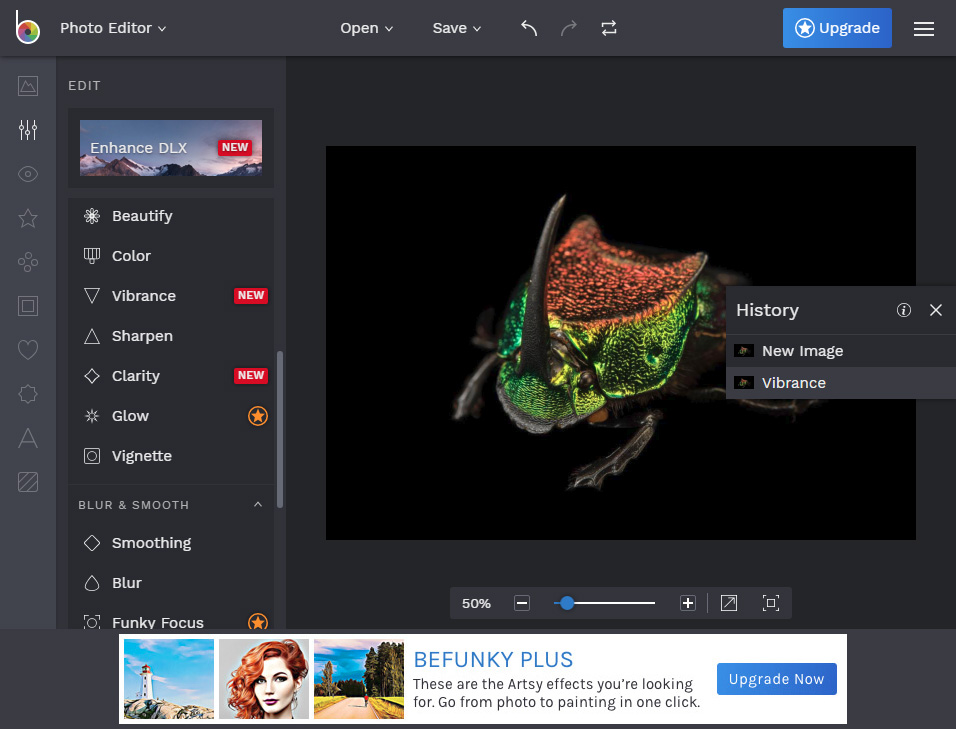
8.  Befunky

Befunky Best Free Online Photo Editor

Befunky also have 3 types of free online photo editor, similar to iPiccy, there are Befunky’s Photo Editor, Collage Maker & Designer. The Photo Editor has the ability as other photo editors, plus many extra features like professional editor. Befunky Photo Editor also provide some ready made effects to be apply, but most of them are for Plus (paid) version. Meanwhile, the Designer Editor is not as impressive as the iPiccy Design Editor that we covered above, even though it has a lot of ready made templates and graphic elements, but again, most of them are locked for Plus (paid) version.

  • Registration / Login : No need, can save it without register / login.
  • Text, Fonts availability : Yes, the text has extra adjustment like pro.
  • Alignment Guide : Yes
  • Pro : ✔️ Ability to add fonts from local pc. Has History panel for easier undo level. Professional style interface.
  • Con : ❌ Many ready made features are locked for paid version.

View it

9.  Fotor

Fotor Best Free Online Photo Editor

Fotor is another good and must try Free Online Photo Editor, Collage & Design Editor if you’re looking the good one. As free online Photo Editor, it offers plenty of useful features for free, using and also saving to your pc freely without need to register & login. But bear in mind that when you choose to register & login, you will get extra option such as load & save to cloud and many more.. and also the Premium (upgrade) version offers much more freatures will be unlock.

  • Registration / Login : No need, can save the artwork without register / login.
  • Text, Fonts availability : Yes
  • Alignment Guide : Yes
  • Pro : ✔️ Lot of features available to make the adjustment and many elements as well. It offers Affiliate program with 35% for first timer and 25% for every renewal subscription.
  • Con : ❌ About half of the features & elements are for Upgrade version, you may use it but ‘fotor’ watermark will appear. To Save or Share your artwork, need to register & login.

View it

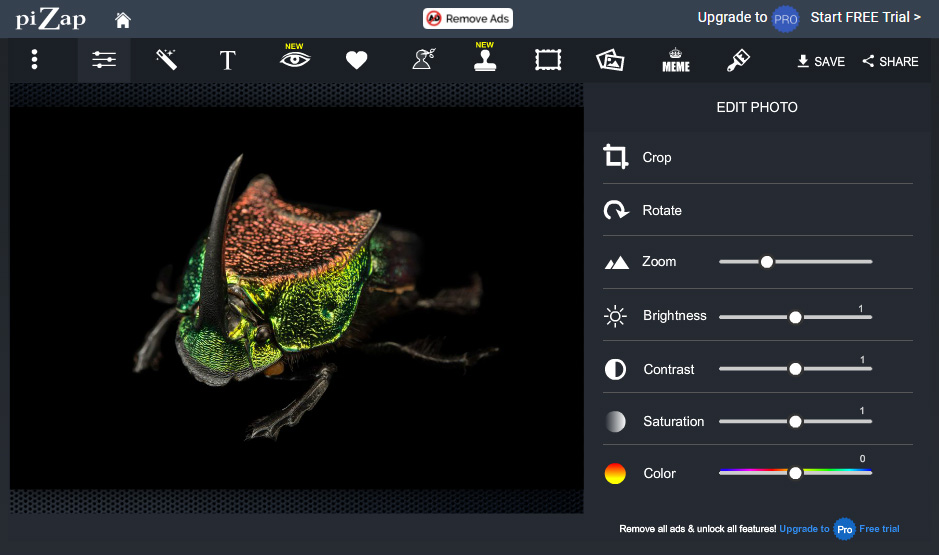
10.  piZap

piZap Free Online Photo Editor

PiZap is one of the must try free web based graphic editor, it offers a few different graphic purposes, besides Photo Editor, Collage maker & Design editor, it also provide graphic editor for specific Photo Touch Up, Emoji Maker, Facebook Cover, Twitter Cover & YouTube Cover. These are great for users looking for various purposes. The Photo Editor also has few additional creative tools, such as Touch Up – for photo fine tune, while Cut Out Tool – to crop image by shape (similar to Photoshop Extract), the Meme – to generate meme image, and the Paint & Graffity – just basic and not impressive. After trying some adjustment, texting, stickers, unfortunately we cannot find undo function, instead we have to delete one by one elements on the artwork. This can be annoying to most of the user.

The Design Editor at the other hand, you can try the new (beta) HTML5 based engine of the classic Flash based editor. The interface seems same as the Photo Editor and even most of the function looks similar. What makes it differ is when you start the Design Editor, you need to choose the template size for specific task.

  • Registration / Login : No need, can save without register / login.
  • Text, Fonts availability : Yes
  • Alignment Guide : No
  • Pro : ✔️ Plenty of photo adjustment tools. Offers 20% Affiliate Program on every subscribe for paid version.
  • Con : ❌ Ads banner area surrounding the editor makes the canvas size only 1⁄4 of your screen. Text available but the fonts are too fancy and cannot add more from your own pc. No undo.

View it

Related post : Free Designer Tools Online – Website Builder

11.  Fotoramio

Fotoramio Best Free Online Photo Editor

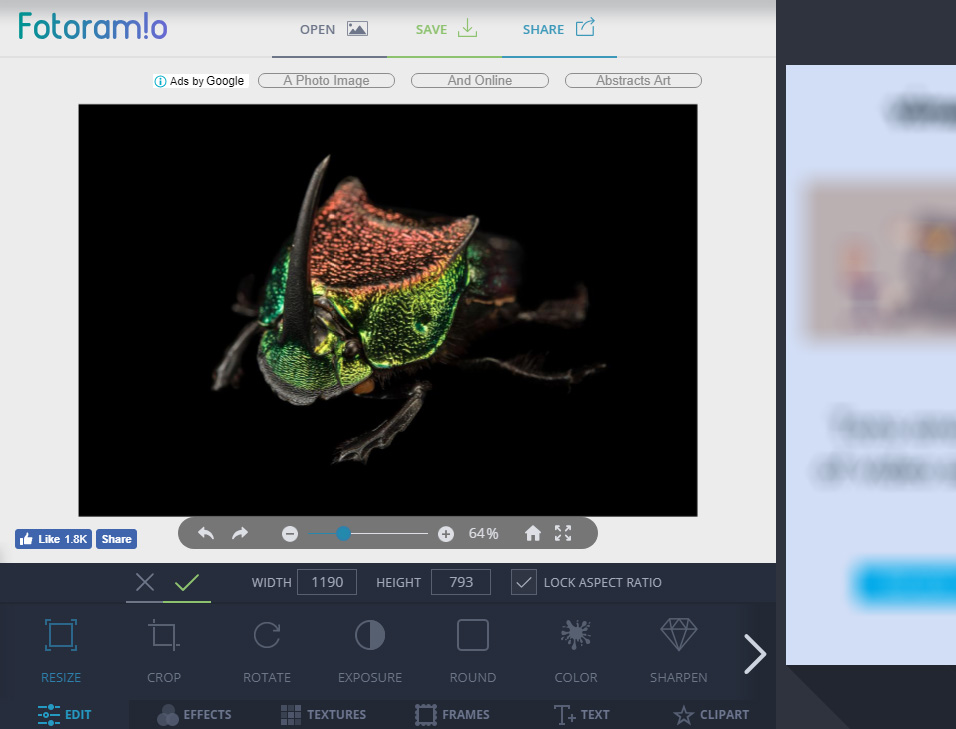
Fotoram!o or Fotoramio also offers 3 types of editor named Edit (Photo Editor), CollageArt Style. At first I guess the Edit is the design editor and the Art Style I guess is the photo editor, but it’s not, the Art Style is more to just for ‘playing with ready made effect’, unfortunately I cannot find the undo for the effect applied. Anyway, the free Photo Editor interface seems clean and easy to use, with adjustment tools docked at the bottom of the screen. It offers many standard image adjustments, text, effects and cliparts as well.

  • Registration / Login : No need, can save without register / login.
  • Text, Fonts availability : Yes
  • Alignment Guide : No
  • Pro : ✔️ Easy to use photo adjustment tools. All tools & features are free, no locked elements.
  • Con : ❌ Besides ready made effects & cliparts, the image adjustment are too basics, no advance features.

View it

12.  PhotoMania

PhotoMania Free Online Photo Editor

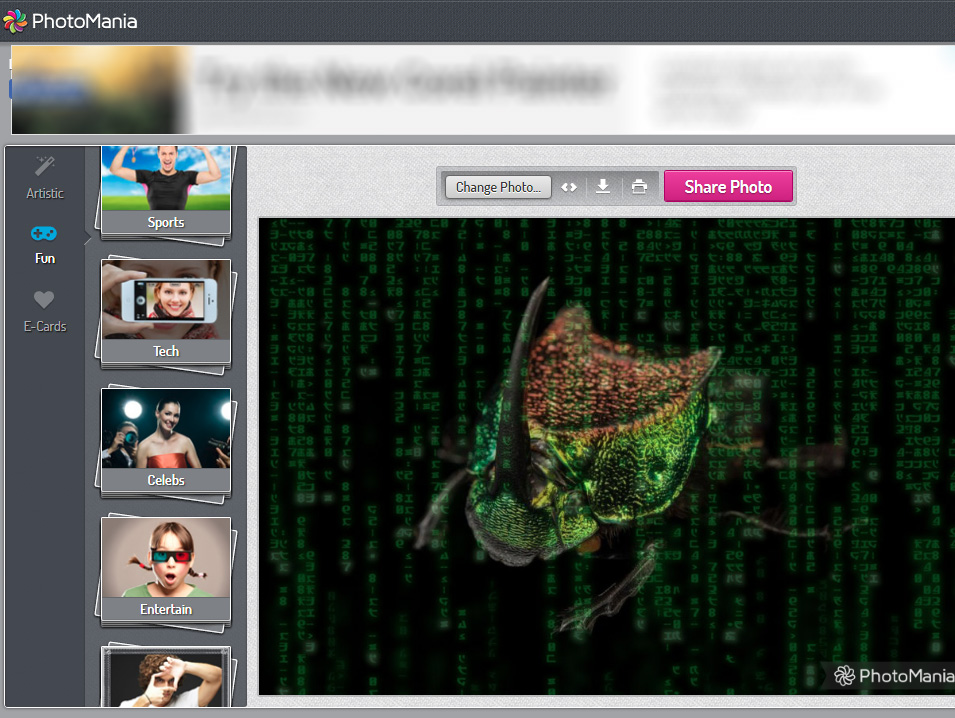
PhotoMania offers simple free online photo editing with 3 main category for editing your image. You will find at the left side tool there are Artistic, Fun & E-Card creation. Artistic tool are list of ready made filters in variety of subcategories, while Fun tool provide ready to use creative templates on how your image will be applied to it. The E-Card tool is a set of celebration type of ready templates that you can use for your image, just choose from the list and see, no extra adjustment required. Besides the image creation can be save or download to your pc, the disadvantage of using PhotoMania are, there is no undo while editing your image and you will get the PhotoMania logo watermark or labeled at the bottom right of your image.

  • Registration / Login : No need, can use & save it without register / login.
  • Text, Fonts availability : No
  • Alignment Guide : No
  • Pro : ✔️ Easy to use photo adjustment tools.
  • Con : ❌ Not for serious project. No undo. Once use it, their Logo will be marked on artwork.

View it

13.  PicMonkey (7 days Trial)

PicMonkey Online Photo Editor

When we tried PicMonkey Photo Editor for the first time, without register & login, we feel that the interface looks pleasing, easy to use graphic & adjustment tools even for newbies or for non graphic users. While we keep on trying most of the intuitive functions it offers, we found out that using PicMonkey Photo Editor is not really free. Yes we notice the yellow button with Free Trial label on the top right of the editor screen, but we think that’s optional package for upgrade or premier version, like Pixlr Pro and Ribbet Premium upgrade as we discussed earlier. We’re wrong to assume that we may save the artwork without register.

Anyway, you have given 7 days trial to use it for free and can save, share & export your masterpiece, before you need to decide whether to upgrade as paid user of not. For that reason, we suggest you to try the 7 days trial to test drive it.

  • Registration / Login : No need when using, but.. must register & login (upgrade) when you need to save your artwork, (use free 7 days trial)
  • Text, Fonts availability : Yes, comprehensive text adjustment features.
  • Alignment Guide : Yes, but the Alignment Grid is off as default, you need to activate it.
  • Pro : ✔️ Professional Photo Editing function with lot of features. Layers control available. It also offers Affiliate program with 50% for initial purchase and 25% for renewal & additional purchase.
  • Con : ❌ No free version (besides the trial)

View it

14.  Polarr

Polarr Free Online Photo Editor Pro

Polarr offers 2 types of free online photo editors, which, 1 is for newbie or non-experience graphic users named Express, another 1 is for experience users who have been familiar with common graphic apps or for designers, named Pro. Polarr Express has basic features while the Polarr Pro provide professional style of free online photo editor with detail adjustment you can find for every Filters available. Polarr Pro interface is seems clean with Filters, Text & Shape, Retouch, Crop (+ Rotate & Flips) & Overlays tool at the left side. While at the right side you’ll see the Adjustments tool and Selective Adjustments to modify your image’s color & tone settings.

There are so many adjustments you may see and to choose from based on your creativity and how you going to works on it. These very detail adjustments that need professional skill to get your image as perfect as you intended. You may probably think that this free app is much harder than Photoshop. However, the app provides on the screen animated helps on How To Do It for you, for most of the tools you going to use, good point.

Extra Features

The Text tool has what a design editor has for editing the text attribute, not too basic as what offered with other apps. Aside from that Polarr Pro also has Preset under the Text tool, to create ready made ‘template with text’, but there are just a few in this free version. There is also a History tool with number marked at it showing that how many steps you have done, for selective undo. Below it, there is a normal Undo tool, or you can just use keyboard shortcut as well.

  • Registration / Login : No need, can use & save without register / login.. as long as you don’t use Premium features in it (when to save)..!!
  • Text, Fonts availability : Yes, comprehensive text adjustment features, the fonts are not so many to choose from.
  • Alignment Guide : We cannot find it.
  • Pro : ✔️ Professional Photo Editing function with lot of adjustment features for serious photo editing. Saving format are JPG, PNG & TIFF. No Ads.. yeay..!!
  • Con : ❌ The ability to Try Premium features makes your artwork cannot be Save as free version. While you enjoy trying most of the features, you don’t realize that you have used some of the Premium features as well, because you cannot really see the ‘lock-for-premium’ label at the features you use, therefore you cannot Save your artwork, unless you choose to upgrade. Or you can choose ‘Remove all Active Pro Tools’, and it delete back all the premium features.

View it

15.  Lunapic

Lunapic Free Online Photo Editor

Lunapic interface looks like it was made from web 1.0 or the 90’s style of website, but it worth to try though. The tools at the left side looks like Photoshop tool icons, but the light grey background interface make it looks like Ms. Paint icons. After we make some editing test, we found out that the operation also seems the old-school way. For example, when you need to make some adjustment, it will open the adjustment value settings in ‘Windows 95 fill in the form’ style and a button to apply the adjustment. Then the screen will refresh every time it make changes. Actually Lunapic doesn’t need you to have Flash to run this free online photo editor in your browser.

Even though the interface and the operation runs in classic way, it does have a lot of features. Besides standard image adjustments & transforms you can find in the left tools or top menu, it provide a lot of extra features, from Draw, Borders, Filters, Effects, Art even gif Animation features you can find in this classic photo editor. If you use high spec machine, try those top 13 lists, however for those who runs on old machine, can consider this free online photo editor.

  • Registration / Login : No need, you can use it & save it without register / login.
  • Text, Fonts availability : Yes, quite good in old-school style.
  • Alignment Guide : No.
  • Pro : ✔️ A lot of ready made effects to try. Support Web Cam & Gif Animation. Support open & post image from top social medias.
  • Con : ❌ The looks and the way it process command seems too old for today tech. Refreshing screen for every adjustment made sometimes annoying.

View it

16.  FreeOnlinePhotoEditor.com

FreeOnlinePhotoEditor

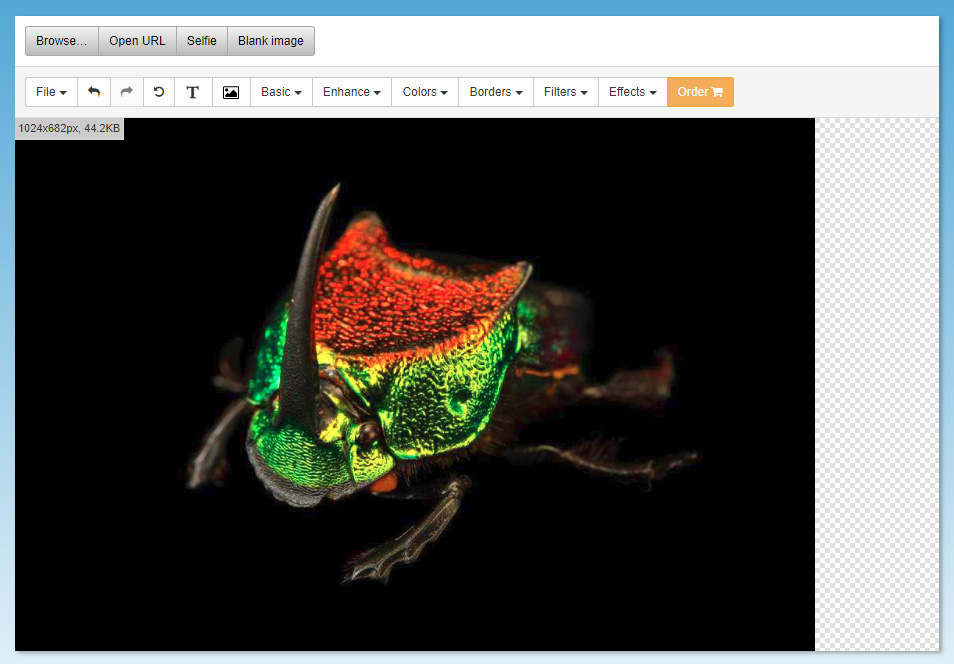
As the name given, FreeOnlinePhotoEditor provide free online photo editor in basic & simple interface. You can see all the tools at the top of the canvas. It looks simple and straight forward and not much we can say, the tools are just standard image editing tools plus Borders, Filters & Effects you can apply. Even though the interface of the app seems 1 or 2 level better than Lunapic, but it lacks in variety of features that offered by Lunatic that has more ready made features.

  • Registration / Login : No need, you can use & save without register / login.
  • Text, Fonts availability : Yes, standard text editing.
  • Alignment Guide : No.
  • Pro : ✔️ Basic & Simple. Good for newbie or first timer graphic users. The straight forward name & the domain is exactly what it does.
  • Con : ❌ Too basic and feels outdated editor that need to be update to compete.

View it

Hope these list are enough for you to choose from, but before you try any of these, make sure your pc have and will allow Adobe Flash Player or Shockwave Flash in order to run these web-based apps. Otherwise, you will need to download the Flash first. Tell us your opinion on which free online photo editor is your choice and why. If you know any better free online graphic editor that we missed, please let us know as well in the comment below 👌

Credit: National Geographic Animal Gallery


Designers Redesigned Visit Malaysia 2020 Logo As Protest

#VisitMalaysia2020 #logo

Above are two of the proposed for Visit Malaysia 2020 logo by designers..


A few days ago, the Ministry of Tourism Malaysia, through it’s Tourism & Culture Minister, launched the new Visit Malaysia 2020 logo. The logo then become jokes and criticism from the netizens. Malaysians were surprised, while the country on its way towards as a developed countries in 2 years time, for vision 2020, still produce some poor quality of work results, it looks outdated, primitive that make many of netizens express disappointment, but the ministry itself feel proud of it – the logo of VM2020.

Majority of the netizen comments, especially Malaysian graphic designers through social medias, blamed the superior of the department who usually control everything in the government agencies, for approving the designs quality. Take a look at previous design of Malaysia 55th Independent Day or Merdeka 55 logo, the logo was criticized by netizens as the worst Merdeka logo ever, the minister of the Ministry of Communication & Culture defend their decision to use the ‘ugly logo design’. This kind of working attitude especially in designs field, one must let the expert do the job, the designer appointed, be it the in house designer or appointed design agency, not the minister itself who lead the ministry or department and hold the ‘remote control’. This kind of working culture, the ‘yes boss attitude’ in government agencies in particular, is hard to changed no matter how many times the minister or the political party changed.

Anyway we are here to show you some design masterpiece from the Malaysians Designers Community as the proposal to change the unacceptable current Visit Malaysia 2020 logo by many, to newly fresh designs by real designers for the sake of the dignity of the country’s the graphic design industry.

[siteorigin_widget class=”SiteOrigin_Widget_Image_Widget”][/siteorigin_widget]
[siteorigin_widget class=”SiteOrigin_Widget_Image_Widget”][/siteorigin_widget]
[siteorigin_widget class=”SiteOrigin_Widget_Image_Widget”][/siteorigin_widget]
[siteorigin_widget class=”SiteOrigin_Widget_Image_Widget”][/siteorigin_widget]
[siteorigin_widget class=”SiteOrigin_Widget_Image_Widget”][/siteorigin_widget]
[siteorigin_widget class=”SiteOrigin_Widget_Image_Widget”][/siteorigin_widget]
[siteorigin_widget class=”SiteOrigin_Widget_Image_Widget”][/siteorigin_widget]
[siteorigin_widget class=”SiteOrigin_Widget_Image_Widget”][/siteorigin_widget]
[siteorigin_widget class=”SiteOrigin_Widget_Image_Widget”][/siteorigin_widget]
[siteorigin_widget class=”SiteOrigin_Widget_Image_Widget”][/siteorigin_widget]
[siteorigin_widget class=”SiteOrigin_Widget_Image_Widget”][/siteorigin_widget]

There are a lot more in the Grafik Malaya facebook group. To view the rest of the designs go to → Logo Visit Malaysia 2020 from Grafik Malaya Group designers

web design

The Main Period of Web Design

The evolvement of web design can be divided into four main periods or generations, according to the degree of development of the website, and the complexity of the design site.

The first period started right after the development of the first free browser “Mosaic“, and finished when HTML became widespread.  During that time website design was under the influence of many technological limitations, such as a slow broadband connection and service providers that were unable to offer fast data transfer.

web design

Unlike the first period, web design in the second period looked more professional and had some new features, including icons instead of keys with words, banners, structured menu that represents a hierarchy of information. It was often necessary to adapt to the design of the site for specific screen resolutions, 8-bit or 24-bit monitors.

Related article; Free Designer Tools Online – Website Builder

Around that time web designers started to pay attention to important factors such as the speed of downloading information and monitor resolutions. However, the context was still hard to read because of the browser characteristics, and the speed of the Internet. Users weren’t interested in waiting a few minutes for the content to appear on the screen.

The main goal of the third-generation web design sites was to deliver multimedia content, including audio, animation, and 3D models. This period was associated with the introduction of Flash technology which became very popular. Web designers use multimedia content in order to attract customers and visitors in accordance with the purpose of a particular site. The structure of the site and its navigation system are extremely important because they must enable users to quickly find what they’re looking for. The basic principle in the third stage was the strategy, Aida, to attract new visitors and keep visitors on the site as long as possible, so they would learn more about the site or the company and motivate visitors to contact them.

Related article; E Commerce Systems Comparison

The fourth generation has features like an abundance of multimedia content and the ability to order over the Internet. Today’s sites are specially developed for eCommerce platforms, education, entertainment, business, and other, just to meet the demand of the customer.


Free Stock Photo

Free Stock Photo Sites For Designers

Previously we published Free Designer Tools Online – Website Builder for designer, freelancer, photographer, etc. Today we continue the same topic, designers online freebies, but now specifically for Free Stock Photo Sites For Designers shared by photographers, designers & artists. They’re free to use personally and commercially, so far there are no restrictions, except the copyright used are under creative commons. You might also try reverse image search if you have the sample image and need to find the better copy.

13 Free Stock Photo Sites for Designers

Okay here are some rare photographer’s Stock Photo sites who share quite high quality, creative images and best of all, no copyright restriction as others. What they only ask from you as to support their efforts, if you don’t mind is to provide an attribution for the image you use. Come on lets support them as alternative Free Stock Photo Sites For Designers by share their sites, Like their fb pages, Retweet their tweets, ♥ their Insta, etc.

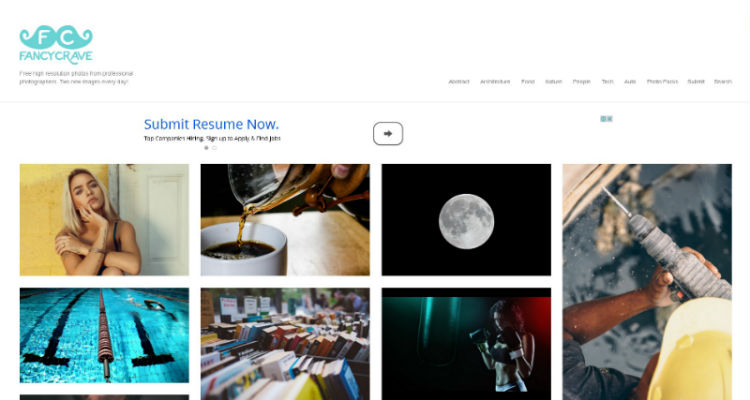
1. FancyCrave

fancycrave.com

2. Depositphotos

depositphotos stock photography

depositphotos.com

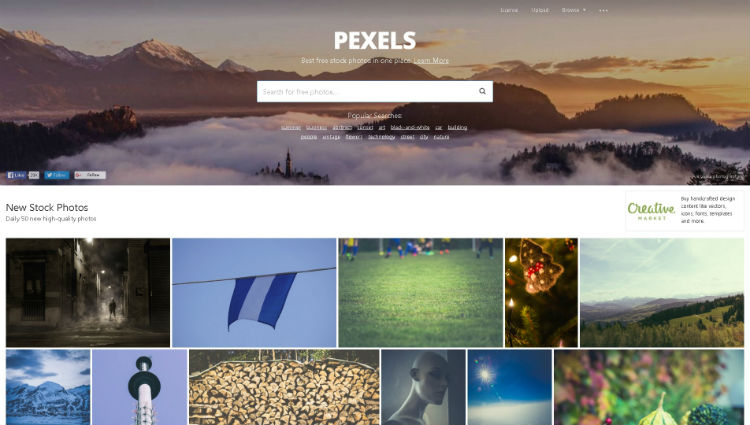
3. Pexels

www.pexels.com

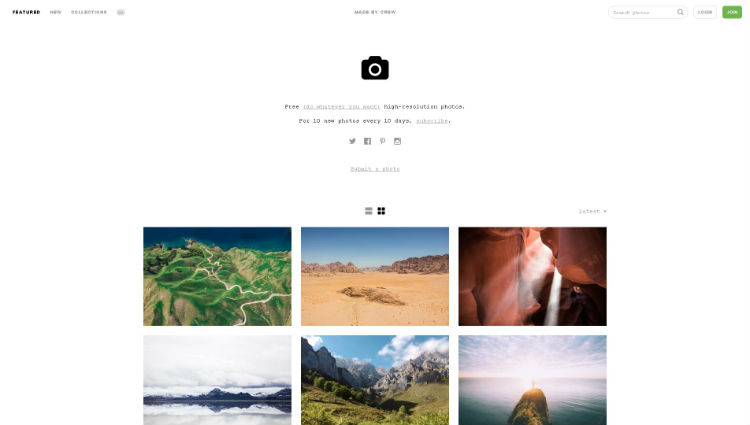
4. Death To The Stock Photo

deathtothestockphoto.com

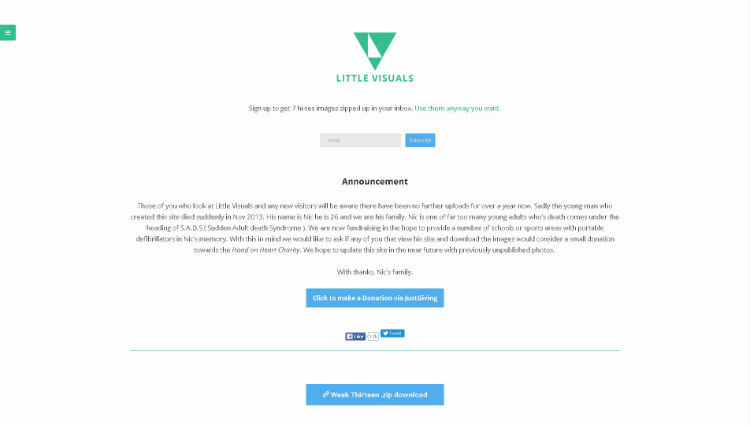
5. Little Visuals

littlevisuals.co

6. Life of Pix

www.lifeofpix.com

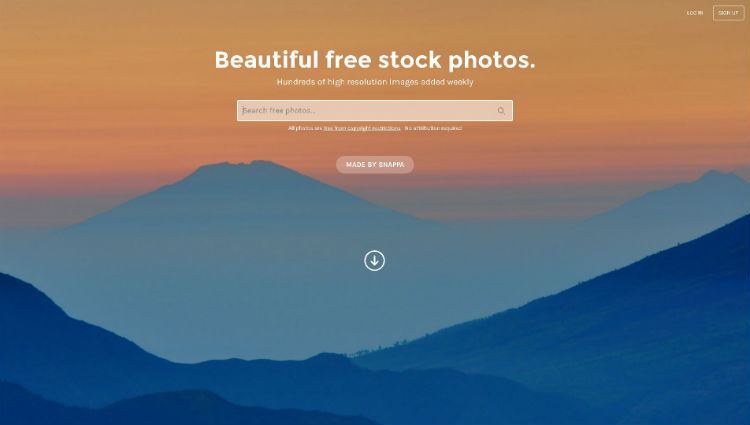
7. StockSnap

www.stocksnap.io

8. Unsplash

www.unsplash.com

9. Pic Jumbo

picjumbo.com

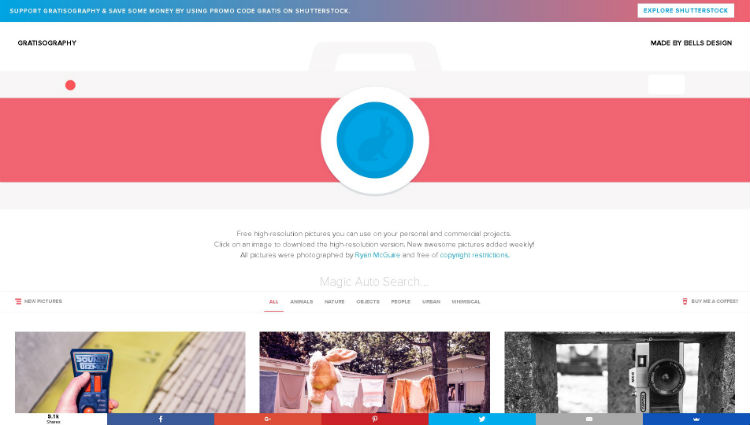
10. Gratisography

www.gratisography.com

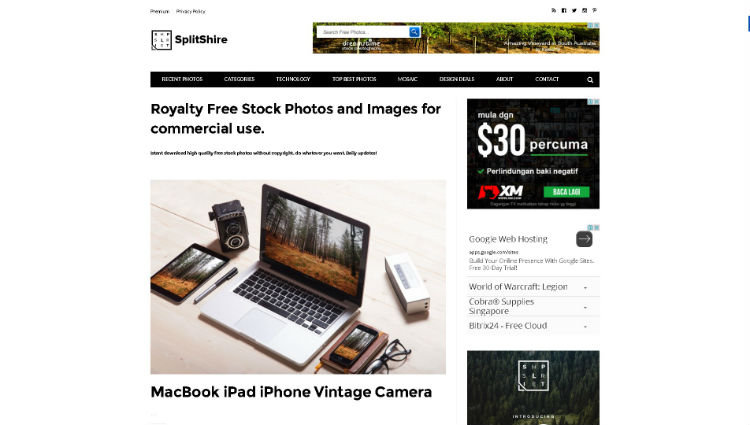
11. SplitShire

www.splitshire.com

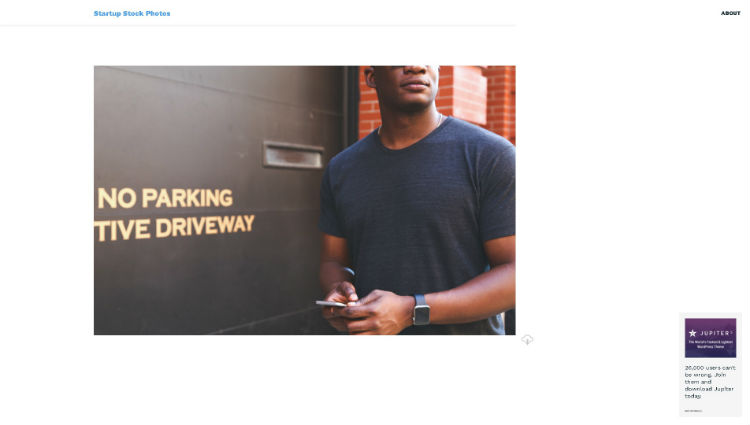
12. Startup Stock Photos

startupstockphotos.com

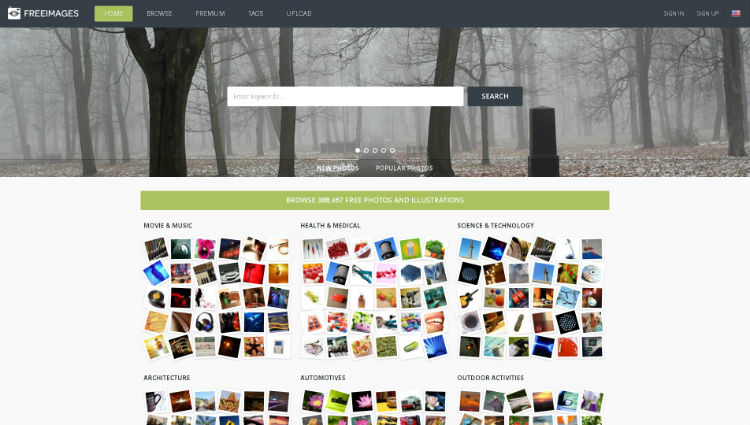
13. FreeImages

www.freeimages.com

14. FreeImages UK


www.freeimages.co.uk

update..

50+ More Free Stock Photo Sites

  1. All Free Download

    one of the most popular free stock images - background, wallpaper, vector graphic as well
    ..

  2. Magdeleine

    another free stock photo website
    ..

  3. pixabay

    site in Portuguese, need to register to download the photos
    ..

  4. 9 × 13 glänzend

    photos with Creative Commons license that can be used for any purpose
    ..

  5. Bajstock

    great gallery with thousands of free images
    ..

  6. ARS

    high resolution images gallery and public domain
    ..

  7. The Digital Dreamer

    over 1000 images 100% free
    ..

  8. IM Creator

    collection of free (images for) web design resources, all for commercial use, yeay! :)
    ..

  9. Amygdela's atmosphere

    picture gallery with free pictures
    ..

  10. tinypic

    though they give tiny & low quality images, they have many categories and have gif images too

  11. openphoto.net - photos for artists, developers, teachers and students
  12. stockvault.net - community with more than 3,000 shared photos. Does not allow commercial use
  13. unprofound.com - free photos for any use except redistribution.
  14. FreeFoto - more than 100,000 free images. It is necessary to give assignments to the author.
  15. Big Picture - free photo gallery for any type of use
  16. stockfreeimages.com - more than 1 million photos and illustrations free.
  17. rgbstock.com - one of the best free high quality sites.
  18. photl.com - 10Mb limit per day
  19. freephotosbank.com - photos and images provided by various photographers.
  20. imageafter.com - free images, but with a lot of advertising for paid pictures
  21. freerangestock.com - community for photographers registration required
  22. freedigitalphotos.net - only images with lower resolution are free
  23. morguefile.com - community that allows commercial use of some pictures.
  24. Dns Digital Photography - stock of free images. Requires Registration.
  25. dreamstime.com - free and paid images.
  26. public-domain-photos.com - public domain photos that allows commercial use
  27. Public Domain Stock Photos - Free photos of public domain
  28. cepolina.com - hosts more than 20,000 photos in various categories.
  29. facegfx.com - images, graphics, vectors, icons, templates, PSD files, etc.
  30. photorack.net - free images for download in several categories
  31. photogen.com - allows commercial use and does not require registration
  32. toasto.com - photos of just a photographer
  33. unsplash.com - small amount of high-quality images
  34. littlevisuals.co - small amount of high-quality images
  35. stockarch.com - allows commercial use - high quality images
  36. stockmedia.cc - allows commercial use - high quality images - requires registration
  37. freephotobank.org - allows commercial use
  38. Fotobank - Image bank with paid and free photos.
  39. alegriphotos.com - allows commercial use - high resolution images
  40. bigstockphoto.com - Free photo gallery of medium resolution - allows commercial use - good for blogs.
  41. hooverstock.com - various types of free images
  42. turbophoto.com - over 2000 free high quality images.
  43. pdphoto.org - database of public domain images
  44. pixelgalerie.com - small bank of high-quality images
  45. aarinfreephoto.com - small bench Free images
  46. imagebase.net - great free images in 6 categories
  47. freewebphoto.com - great photos in medium resolution in the free version
  48. abstractinfluence.com - hundreds of free photos in various categories
  49. sunipix.com - more than 15,000 images for personal or commercial use
  50. Burning Well - small photo gallery of high resolution
  51. Studio25 - stock of free images. See the usage restrictions available for each photo
  52. Twice Pix - photos with Creative Commons BY-SA
  53. Yellowstone Digital Slide File

Conclusion on Free Stock Photo Sites

There are many more free stock photo sites for designers we can search out there, I believe new stock photo sites may appear every years, numbers of people sharing freebies increased of the decades, so do with photographers. Or if you are a photographer, mind share with us your photo site..? If you find some other good Free Stock Photo sites, please share with us :)

Web builder

Free Designer Tools Online – Website Builder

Free Designer Tools Online - Web builder

Free Designer Tools Online:

11 Free Website Builder

Free Website Builders will be our featured topic for the Free Designer Tools Online. Website Builder is the easiest, hassle free ways in building professional looking website. Website Builder usually is an online tool, so consider you will do the job with internet connection. Created for non special skill persons to get modern website in a few minutes with the principle of What You See Is What You Get – WYSIWYG web builder that features standard drag & drop method with the latest html5 editor allowing (non coding) designers or even anybody to develop a website. No programming, html, coding, or Photoshop needed.


Fetured here are some of the top free website builders based on the these criteria;

templates design available
drag & drop
usability
responsive or apps supported
SEO friendly
no trial limitation

So what you can do with this Website Builder as one of free designer tools online..? Well, you can start your own professional looking website, or..

  • add a new web design services for your clients, or
  • start an online store for your clients, or
  • create your own online store to sell your artworks / products online, or
  • make your own designs portfolio website in just a few minutes..

or perhaps this will be your startup for your new skills or knowledge as graphic or visual designer into website development, start to ‘read & write’ <coding>. What else, you will need your brand.. a domain name.

1. WIX

Wix

  • 500MB storage
  • 1GB bandwidth
  • fully customise from designer’s template
  • built-in Google Analytics
  • free hosting


2. Website Builder

Website Builder

  • 50MB storage
  • free email
  • 10,000 templates
  • image library
  • eCommerce


3. Im Creator

ImCreator

  • 50MB storage
  • own domain supported
  • eCommerce
  • no Ads


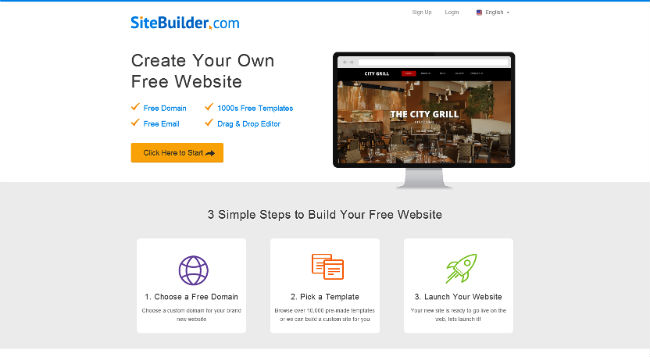
4. Site Builder

Site Builder

  • free domain
  • free email
  • 10,000 templates
  • eCommerce


5. Weebly

Weebly

  • 500MB storage
  • sub domain name
  • no limitation hosting
  • unlimited pages
  • basic online store (with 3% transaction fee)


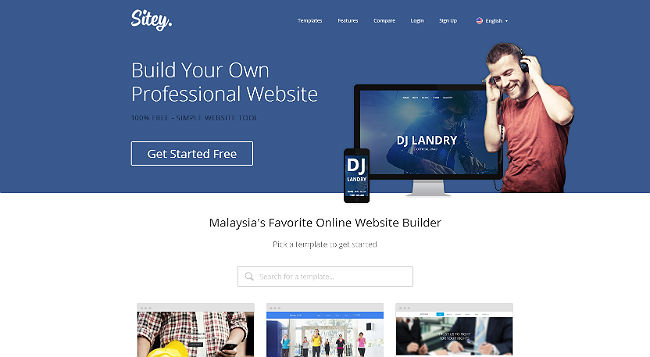
6. Sitey

Sitey

  • 50MB storage
  • 5MB file upload
  • 1GB bandwidth
  • free hosting
  • 100+ professional templates
  • image library

Related article: E Commerce Systems Comparison


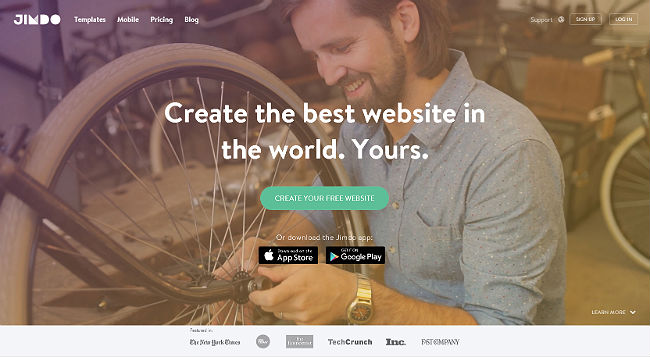
7. Jimdo

Jimdo

  • 500MB storage
  • password protected area
  • online store (no transaction fee), 5 items max
  • iOS & Android apps


8. WebStarts

WebStarts

  • 5 page max
  • 1GB cloud storage
  • 1GB bandwidth


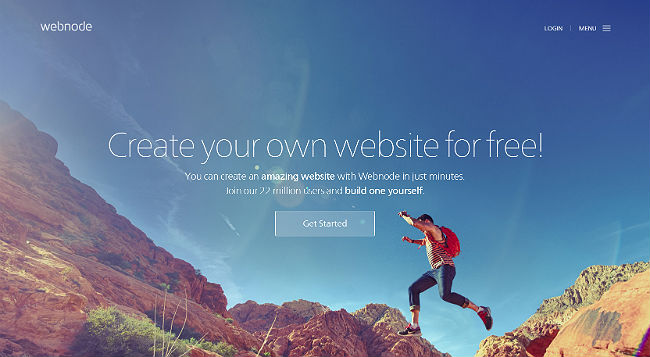
9. Webnode

Webnode

  • 1GB bandwidth
  • 100MB for personal website
  • 10MB for online store
  • own domain name supported
  • statistic & widgets supported
  • no ads


10. Yola

Yola

  • 1GB storage
  • 1GB bandwidth
  • 3 pages


11. WordPress.com

Wordpress

  • 3GB storage
  • unlimited bandwidth
  • unlimited pages
  • designed for static website & blog system
  • themes (but limited)
  • statistics


update june 2017

We are glad to add here a good review made by one of our new online friend – Best Website Builders Reviewed

You may find some more info with focused on affordable price offered for website builder on onblastblog. They also provide clean & nice infographic about Top Website Builder for easy reading and comparison you may take a look.. click on the image above. Thanks to Matt Banner for the great review.

There’re actually a lot more website builders out there, you will find many or new names and new features, but generally they offer the same functions and besides free version, they also provide paid services as well. So as free version, you cannot expect more, just compare which offer the best that suit your needs, ask your self for what purpose you wanna use it. If you getting familiar with it, then later you can start invest with the paid service and add it inline with your design services to diversify your business.

Designer’s Games & Designer’s eBooks

Looking for some good resources for sharing with you guys, here we found some interesting designer’s games & designer’s ebooks you can download for free. The designer’s games created to challenge or to test our design skills and to know our limits in specific skills, try it out. Also we share below are some more free designer’s ebooks collections, as add on of some free designer’s ebooks that we had shared previously..


Games for Designers

Here are some designers games collection created by designers for designers just to test our skills on colors, illustrations, etc.

Eye Test

Eye Test Color

Eye Test is to test your color vision limits and see how far can you go. Mine is 35 points with robot level, and it says ‘Your color vision and survival skills are incredible. You can recognize a mosquito from miles away’.. lol ☺


The Bezier Game

The Bezier Game

The Bezier Game is a Pen Tool illustration test game. The game teach us how to minimize the use of anchor points and how to draw curve lines perfectly in a drawing. If you wanna be expert in using Pen Tool especially for drawing using Illustrator, try the game to learn how the expert use the Pen Tool professionally..


Shape

Shape

Shape is an another creative app (game) in sharpening Pen Tool skills for designers in using Illustrator or any vector graphic apps. Shape is created specifically for perfecting letter’s shape, in other words, if you have to trace back some letters in your design works (in case of you couldn’t find the right fonts), then this game might helps you to draw as perfect letters as possible. Tips – use Shift (keyboard) to maintain vertical or horizontal axis while drag..

There are many more creative games for designers you can look at Games for Designers.


EBook for Designers

Here are some more designers eBook collections free to download.

Photoshop, Illustrator, InDesign – Help & Tutorials


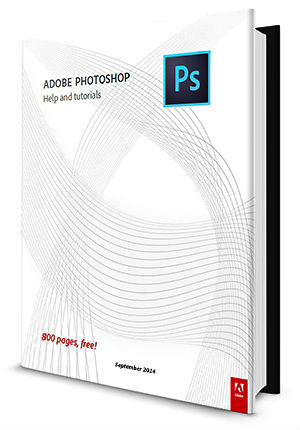
Photoshop CC free eBook here is an official Photoshop help & tutorials by Adobe in PDF format. This CC version contained more than 800 pages. You can also find previous versions of Photoshop, Illustrator & InDesign eBook below.

Download Photoshop CC Help | Previous Photoshop version

Download Illustrator CC Help | Previous Illustrator version

Download InDesign CC Help | Previous InDesign version

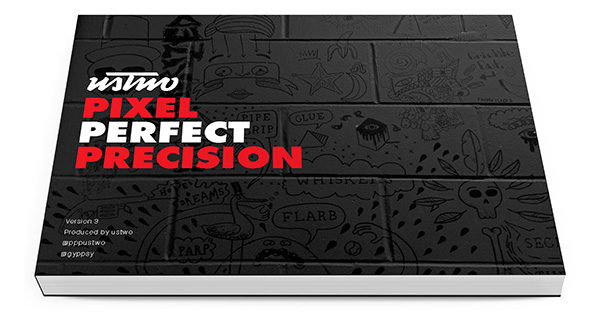
Pixel Perfect Precision – Photoshop and Digital Design

Download Pixel Perfect Precision

Dreamweaver CC Basics

Dreamweaver is one of the most popular web building using WYSIWYG editor for developing fundamental website to high end. Originally created by Macromedia then was acquired by Adobe Systems in 2005. Thanks to Adobe for continuing the development of this great app, and here is the free eBook of Dreamweaver CC for Basics.

Download Dreamweaver CC Basics

Acrobat X Pro & Acrobat XI Pro

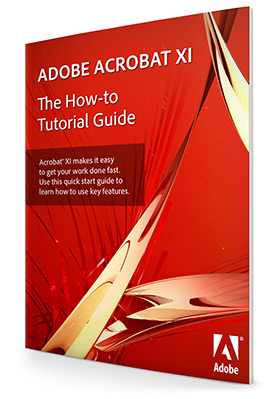
One of the useful publishing tool from Adobe, besides Illustrator, Photoshop & InDesign is Adobe Acrobat. The newest version for desktop is Acrobat XI (ver. 11) for desktop version, but the latest version is newly introduce – Acrobat DC. Anyway here are the eBook of Acrobat X & Acrobat XI.

Download Adobe Acrobat X  |  Download Adobe Acrobat XI

Open Source Vector Editor

Method Draw is an open source online vector graphic editor. A very basic vector tool that support SVG files and also can save your drawing to PNG format.

If you have any interesting related designs, vector, etc. to share with us, we are happy to see and try it, please share it ;)

Adobe Design Book

Adobe Design eBooks, iOS 8 & Android Vector UI Kits


As 2014 approaching its end, we would like to share some of selected freebies recently released and have been around on the internet, from mobile UI vector files to Adobe Photoshop, Illustrator & InDesign tutorial ebooks free download.

iOS 8 Vector UI Kit

iOS 8 Vector UI Kit
iOS 8 Vector UI Kit – Spotlight & Phone

iOS 8 is the eighth major release of the iOS mobile operating system, the latest release (so far) by Apple Inc. which was used in their latest iPhone 6 series. And here we share the free iOS 8 Vector UI kits for iPhones and iPads, if you’re looking for these for your UI, App or design works. The file is in Adobe Illustrator format (support Ai CC and newer), just make sure to you have the fonts.

  • Format: Ai in zip
  • Font used: Helvetica Neue series (Ultra Light, Light, Thin, Medium, Bold) & DIN Alternative
  • Release date: 17 Sept 2014
  • via Mercury

Download

Android 5 UI Kits

Official Google Design

Android latest release is Android 5.0 named Lollipop or Android L, and Google was released their official material design elements that they separate it in 2 categories. First one they call it Sticker Sheets and second one are the System Icons. If your’re serious Android app’s developer or UI designer, you gonna have these:

1.  Component Sticker Sheets

The Sticker Sheets include all the components that make up the Android operating system layouts, including light and dark symbols for status bars, app bars, bottom toolbars, cards, dropdown menus, search field, dividers, side navs, dialogs, floating action buttons, etc. The files are quite big, and there are 3 formats available:

Format:

  • PSD (237.74 MB)
  • Ai (189.09 MB)
  • Sketch (6.67 MB)

Download

2.  System Icons

And this is the system icon kits, approx. 750 icons in SVG (vector) format to complete the components above.

Format in zip:

  • SVG & PNG (57.40 MB)

Download

via Google Design


Illustrator Android Material Interface Kit (3rd party)


If you just need the basic interface elements and layouts, some screens adapted for Material Design and some advanced elements from Android UI Design Kit for Photoshop 4.4 (the Nexus 5 version Kitkat 4.4), download this smaller file size in Ai format – Illustrator Android Material Interface Kit by an Android, iOS, WP UX/UI designer:

  • Format & files: Ai, PNG, Fonts, Coloring themes
  • Realease date: 20 July 2014
  • via Jasa Z

Download

Free Photoshop CC Tutorial eBook


Photoshop CC Tutorial eBook

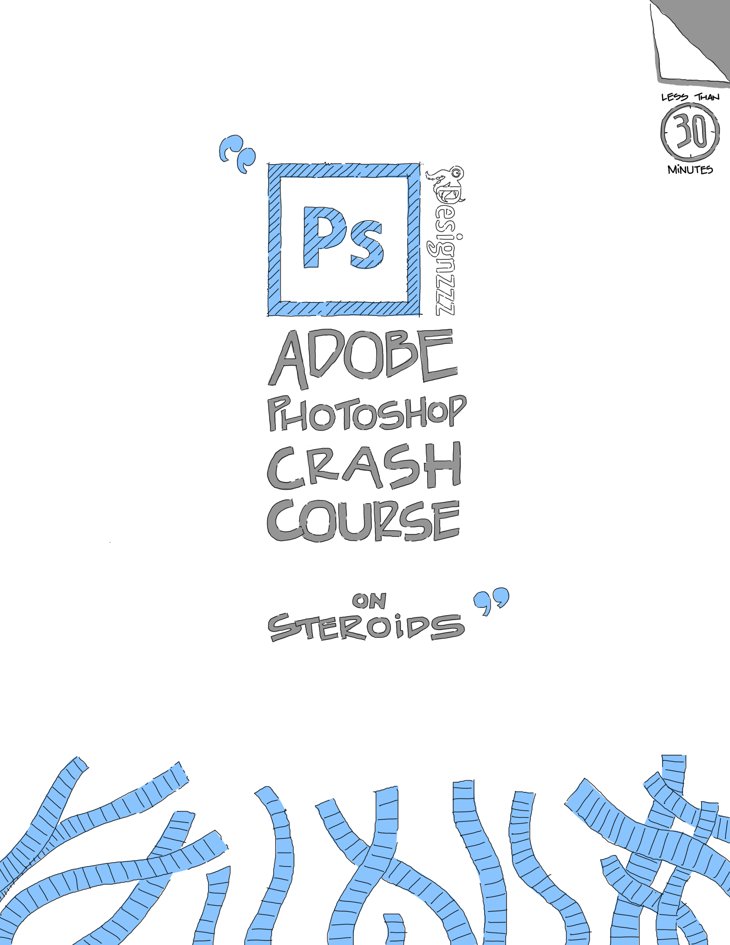
I still remember the first version of Photoshop I used is Photoshop 4.0 some time in 1990’s on Win 95 (if I’m not mistaken), after my transition from manual drawing to digital (including Autodesk AutoCAD R13). Since then I see the demand in Photoshop knowledge specifically, is getting increase till today. And here, I believe many beginners are looking for fast Photoshop skills, besides streaming via youtube, an ebook will be a great offline tutorials and fast reference for user. This is a free crash course of Adobe Photoshop CC tutorial by Designzzz and they claim beginners can learn Photoshop tutorial in just 30 minutes.. ok, that’s damn fast for a newbie ;)

  • Format: PDF (eBook)
  • Pages: 61
  • Size: 12 MB
  • via Designzzz

Download

Adobe Design Basic Book

Want some more..? How about this 3 in 1 Adobe Design eBooks, which includes not just Photoshop, also Illustrator and InDesign too.. sounds great..? And this is from Adobe Education Exchange, where registered users sharing their educational files and resources.. and its free, just sign in to grab. Thanks to Thomas Payne.

Adobe Design Basic free ebook

Adobe Design Basic CC

  • Release: 6 Feb 2014
  • Format: PDF (eBook)
  • Pages: 202
  • Size: 4.31 MB

Note:

  • If your browser alerts you with a Security warning, or Certificate issue, or Privacy error, just choose proceed to edex.adobe.com i don’t know why firefox & chrome alerts me with this (Adobe Education Exchange) site.
  • After you’ve sign in and downloaded the file, in some cases (i.e you use firefox to download it), the file downloaded ‘without extension’ (unknown file), so just rename the file, any name with extension .pdf (dot PDF) at the end of the name, and the file will be back to PDF ebook format.

If you don’t have the latest Adobe CC apps and wanted the previous version of tutorial ebooks for your older Adobe CS6 or CS5 or CS4, you can download the previous release of Adobe Design Suite Basics CS5-CS6 version that suitable for CS6 to CS4.

Adobe Design Basic CS5 – CS6

  • Release: 1 Oct 2012
  • Format: PDF (eBook)
  • Pages: 194
  • Size: 4.71 MB

Hope these sharing may benefits some of us. And I personally (hopefully, if God will), will release an Illustrator CC eBook for beginners, targeted for easy to use and understand for beginners.. perhaps in local language, Bahasa (and english too).. please pray for me to make it happen ☺

Illustrator Alternative, Imagined by Designers

Today we will share an another new designer’s chosen vector and design apps that have been talked about since couple of months ago in social medias. Many designers have tried the free beta version with positive feedback and soon it will be launching the official version.

Affinity Designer


Vector Art & Design for Mac

Perhaps some of you have been already knowing about this Affinity Designer and so far 30,000+ downloads has been recorded according to their statistic. This new designer’s app which still in beta, has been test drive by designers and they express it being fast, easier and better than the popular Illustrator and Photoshop by Adobe, according to some reviews we read on twitter & facebook.

Affinity Designer Tools
The vector tools & raster tools

What catch our interest to share this app in here are some opinions say that Affinity Designer is a real Illustrator alternative, or Illustrator + Photoshop, in one.. Vector + Raster graphic app. Imagine every time you work on Illustrator (vector drawing), and Photoshop (image editing) running at the same time, save and switching windows, back again. With Affinity Designer, its smart persona with just a click to change from vector workspace to raster workspace, on the same document.. it fast, easier & works smart.

“Imagined by designers, created for Mac”

Affinity for Mac


Owned by Serif, a designers apps company who creates DrawPlus (vector drawing editor), PagePlus (desktop publisher), PhotoPlus (photo editor), WebPlus (html editor) and many more. Now they creates Affinity for Mac a new professional vector editor + raster editor in one package. They claim to gives you as designers, exactly what you need for the highest quality artwork, photos and designs – accurate, high quality tools in fast, innovative, reliable apps with flair.

“Vector drawing + Raster illustration”

“A million per cent Zoom”

Pro

Some good points we can share in here are (they’re many), Pan and Zoom at 60 fps, a million percent zoom, transform objects in correct z-order, real-time adjustments or applying effects, always see live previews of brushes or tools. Whether it’s a 100 megapixel image or the most complex vector drawing with thousands of curves, it’s still the same and never runs out of memory.. which may happened to you, system freeze unexpectedly or error message occurred before you save your design works, didn’t you..?

File format supported includes standard image formats, Adobe Illustrator (AI), Adobe Photoshop (PSD), PDF, EPS, SVG, Adobe and Macromedia FreeHand (FH) as well, good point for FreeHand users.

PSD Ai PDF supported
file formats supported
File formats supported

Con

Unfortunately, its only created for Mac, with minimum requirement start with OS 10.7 and no news for other platform so far. Windows user may hope Serif will release for Win version, or stick with Adobe CC, or Inkscape as Illustrator alternative.. see our previous post about Vector Graphic Editor.

Currently Affinity Designer beta is free to download and they will launch Affinity Designer on this coming Thursday, 2nd October 2014, with the first week, until 9th Oct. at 20% discount, the discounted price will be $39.99 (no, this is not advertisement). Are you comparing the price with Adobe Illustrator CC or Adobe Photoshop CC, which is $19.99 per month (x 12 month) = $239.88 a year for a single app (x 2 for both app, Ai & Ps)..? ☺


credit: AffinityDesigner | MacAffinity | creativebloq