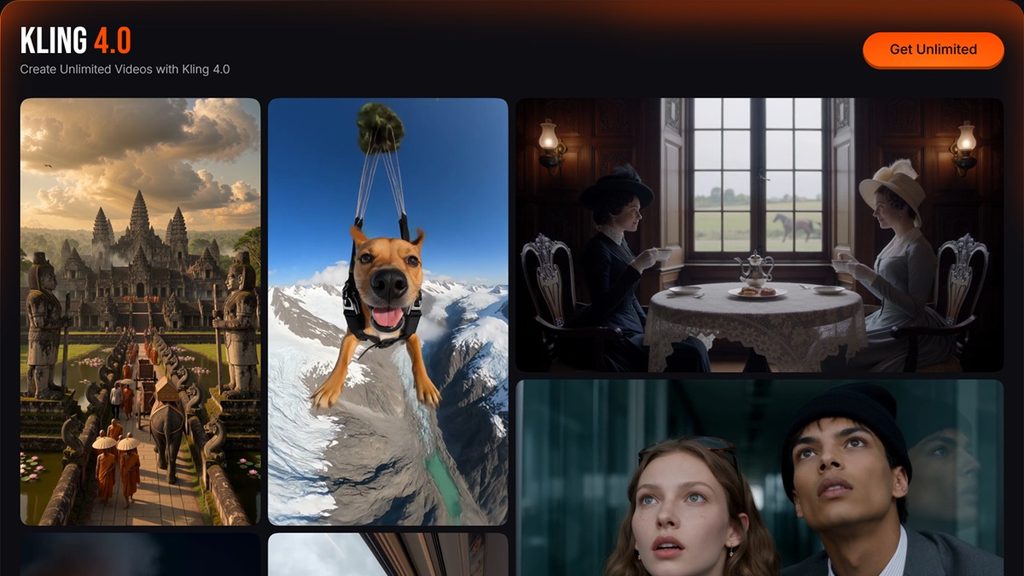
The right AI video model depends on how the ad needs to be directed. Kling 4.0 emphasizes keyframes, sequence control, and longer scenes, while Vidu Q4 focuses on shorter clips built from image and voice references. In Pollo AI, this comparison helps advertisers choose the model that best supports product consistency, storytelling, sound, and revisions based on published capabilities.
Quick verdict: which model fits your brief?
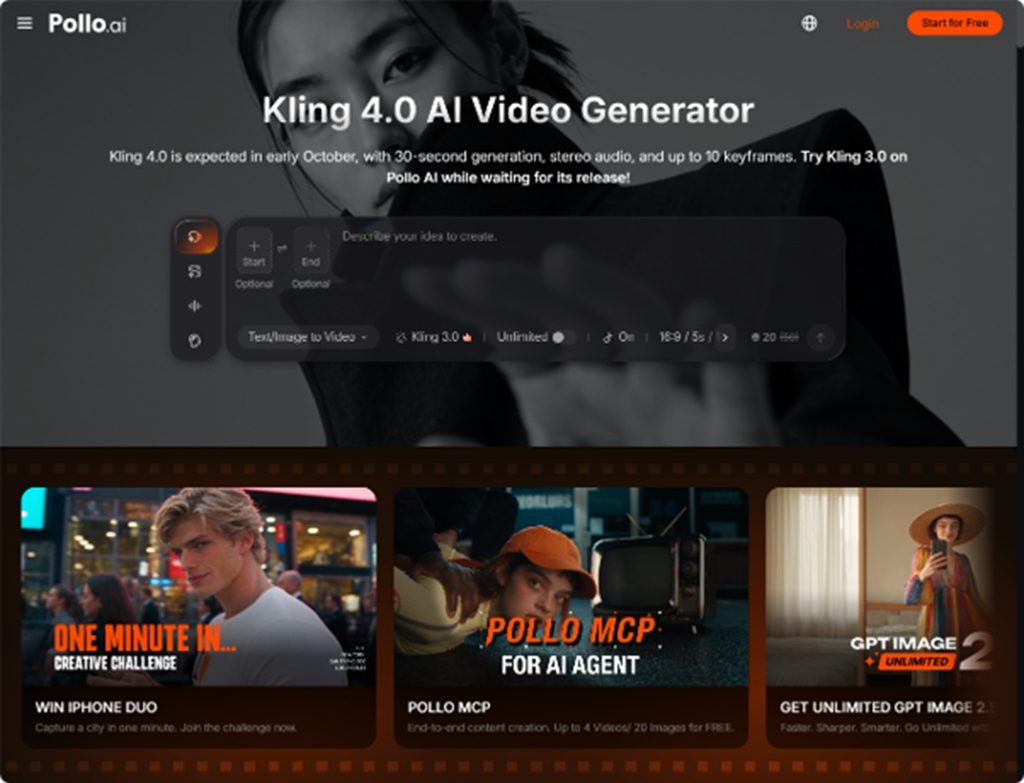
Kling 4.0 is worth considering for concepts that require several planned visual milestones. Its published keyframe and duration specifications suggest a fit for staged reveals and connected story beats. Confirm availability and controls in the selected interface before building a production schedule around them.
Vidu Q4 is a practical candidate for short product showcases, presenter-led videos, and social ads built from existing images. Choose this approach when the central task is bringing a product, person, and setting together in a compact scene.
Reference images: keeping products and presenters recognizable
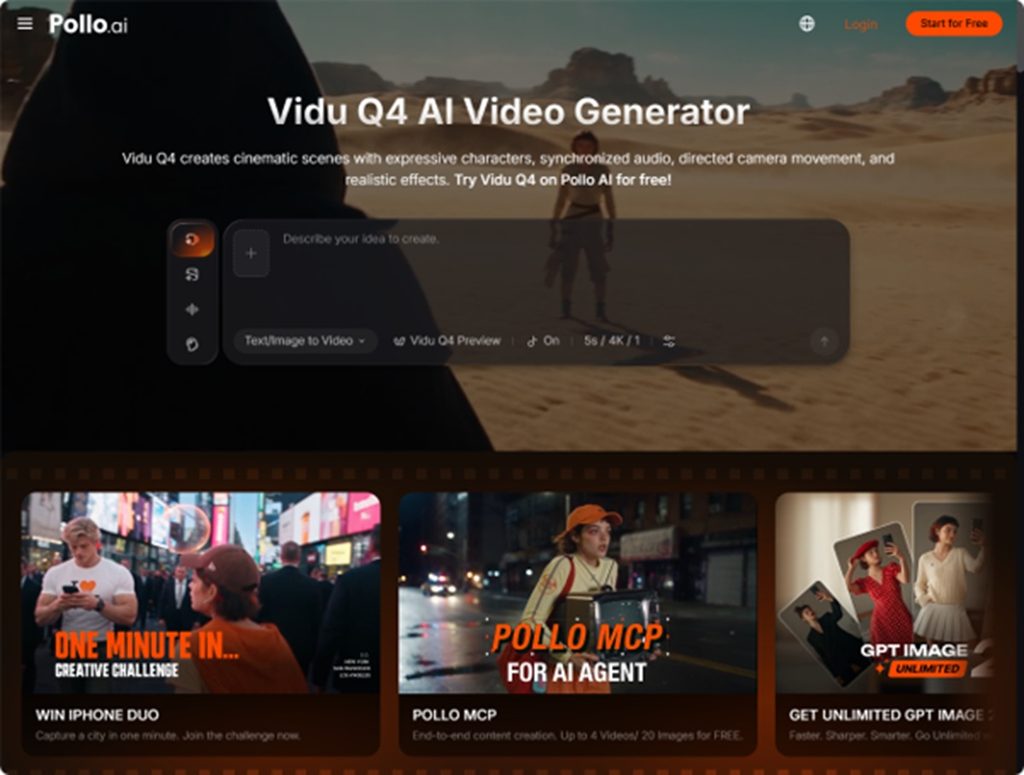
Vidu Q4 in Pollo AI supports up to 15 image references and three voice references in its reference-to-video mode. Its advertised maximum duration is 16 seconds, with 2K and 4K output options. For an AI product video, a coherent reference pack can establish the packaging, presenter, wardrobe, and environment before motion is introduced.
Consider a cosmetics advertisement featuring a presenter holding a serum bottle. Product photos establish its shape and label, while a portrait and setting reference guide the person and surroundings. Keep those assets visually compatible, and inspect the generated clip for changing labels, distorted hands, and shifting proportions.
For agencies planning a campaign with Kling 4.0 in Pollo AI, video references can help guide the performer’s actions and camera movement, while product images define the item’s appearance. This approach is useful when adapting an approved advertising concept to a new product or presenter. Keep the references consistent in lighting, proportions, and visual style to give the scene a clear direction.
Keyframes and duration: planning the product reveal
Kling 4.0 in Pollo AI supports up to 10 keyframes and videos up to 30 seconds long. For a storyboard-driven ad, use those keyframes to plan an opening product silhouette, a demonstration, and a final hero shot. These visual checkpoints let you define the product’s appearance and position at key moments, helping keep the sequence aligned with your storyboard.
The shorter video workflow also supports multi-shot storytelling, making it relevant to a concise introduction, demonstration, and closing image. Extra duration is useful only when the message needs it. For either approach, keep lighting, product proportions, and camera direction compatible across shots; a longer sequence creates more continuity to review.
Audio and lip-sync: matching sound to the advertisement
For presenter-led ads, Vidu Q4 in Pollo AI supports voice references to help maintain a consistent voice and synchronize speech with the presenter’s lip movements. This is useful for product introductions and UGC-style ads where clear pronunciation and natural delivery help communicate the message. Kling 4.0 in Pollo AI supports stereo audio for scenes that combine dialogue, background ambience, and sound effects, such as a product reveal followed by a spoken benefit and a closing brand message.
Neither specification proves that a generated voice will deliver a brand script correctly. Check product names, spoken claims, emotional tone, and synchronization before approval. The advertisement should also communicate its central benefit when muted, especially if the campaign depends on a visual demonstration.
Revisions and cost: compare accepted ads
For Kling 4.0 vs Vidu Q4, production cost depends on the settings and revisions needed to reach an acceptable result. Pollo AI’s credit use varies with the model, tool, duration, resolution, and output quantity. Compare total generation spend per approved clip, and track correction time separately.
Use the same product, campaign message, aspect ratio, and duration wherever both interfaces allow it. Change one variable at a time during revisions: simplify the action if packaging distorts, or clarify the reference if the presenter changes. Record whether each attempt preserves the product, communicates the message, and delivers usable audio.
Prepare campaign assets in Pollo AI
Pollo AI brings image, video, avatar, audio, and advertising tools into one creative suite for creators and marketers. For a campaign, prepare approved product images first, then use those assets to guide video generation. Marketing Studio offers workflows for product visuals and UGC-style ads, helping connect asset preparation with a specific marketing task.
Final verdict: choose the control your ad needs
Kling 4.0 vs Vidu Q4 is ultimately a choice about directing the advertisement. Favor the reference-based approach for a short scene built around an established product and presenter; consider keyframe control when the concept depends on a planned sequence of reveals, subject to feature availability.
Start with one brief in Pollo AI and compare the available options against the same approval criteria. Choose the model that preserves the brand and communicates the message with the least corrective work.